
This layout is a starting point you can draw by hand in about two minutes. It keeps decisions and actions visible, which is usually what people need from meeting notes a week later. For the full method, read how to sketchnote a meeting.
Draw the template in five steps
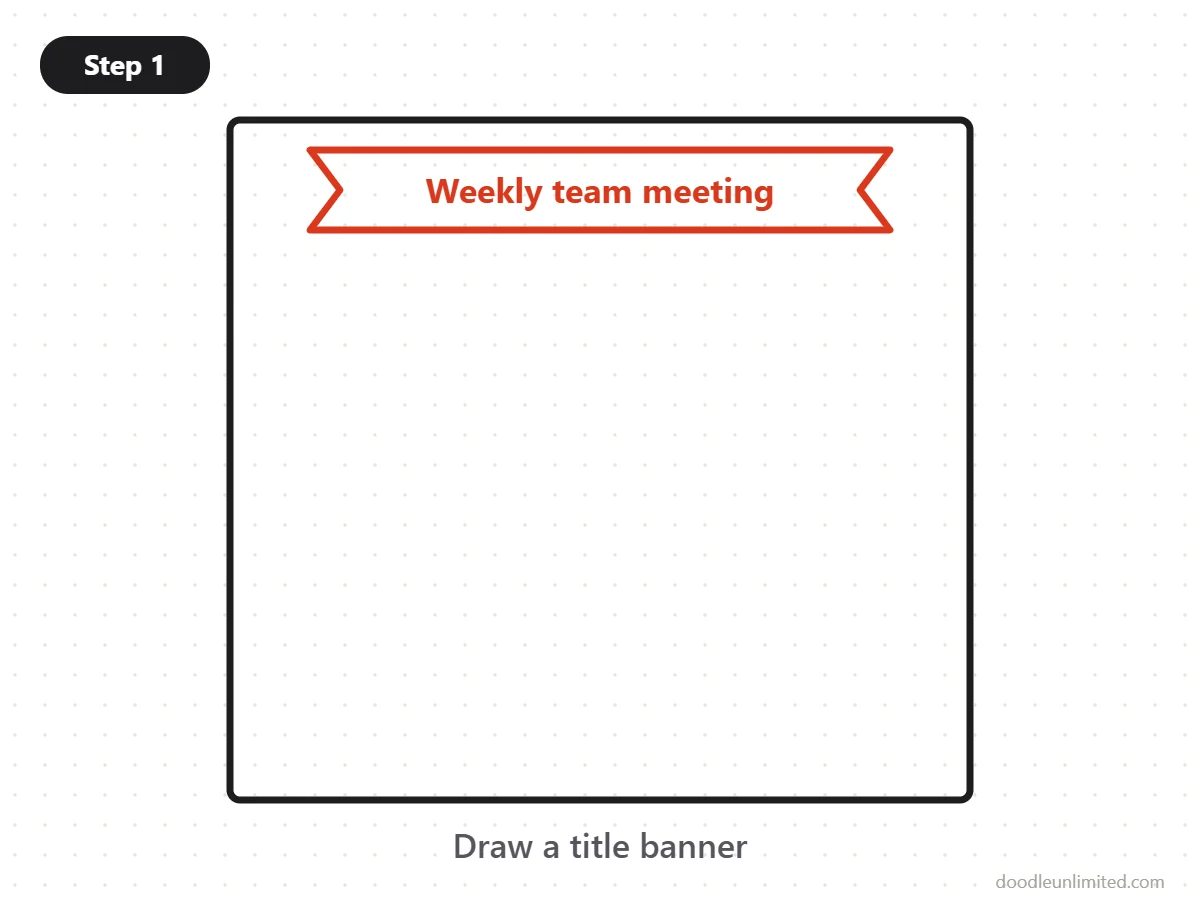
Draw a title banner
Write the meeting name and date inside a simple ribbon banner at the top.
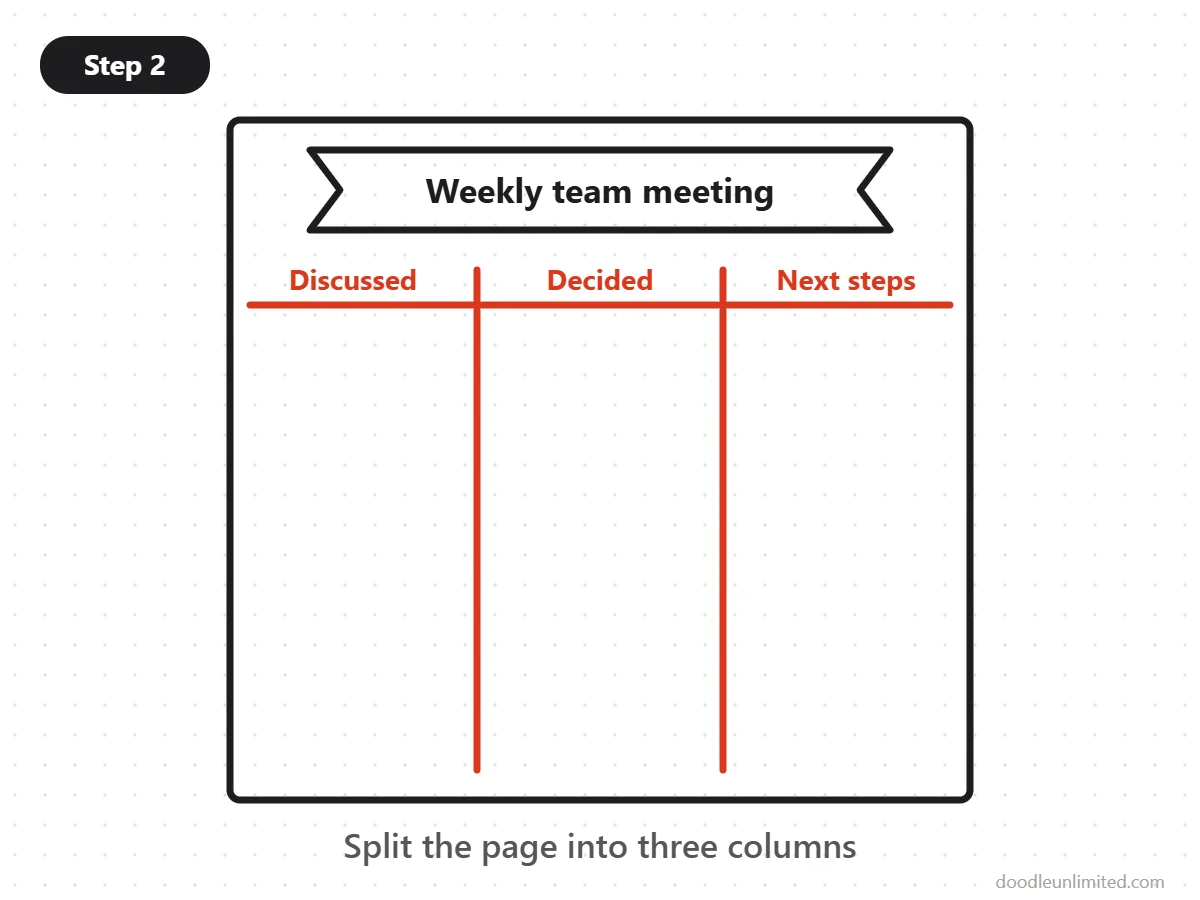
Split the page into three columns
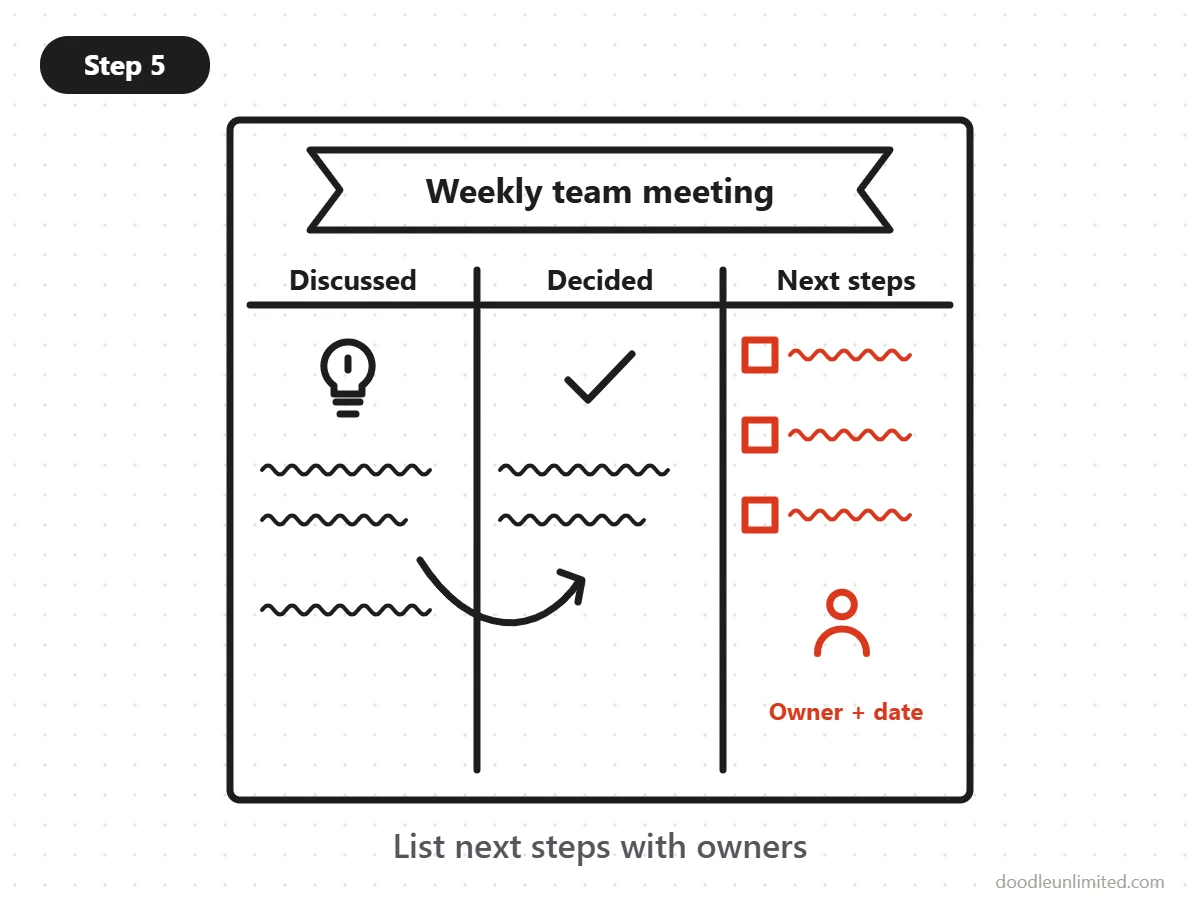
Draw two vertical lines and label them Discussed, Decided and Next steps.
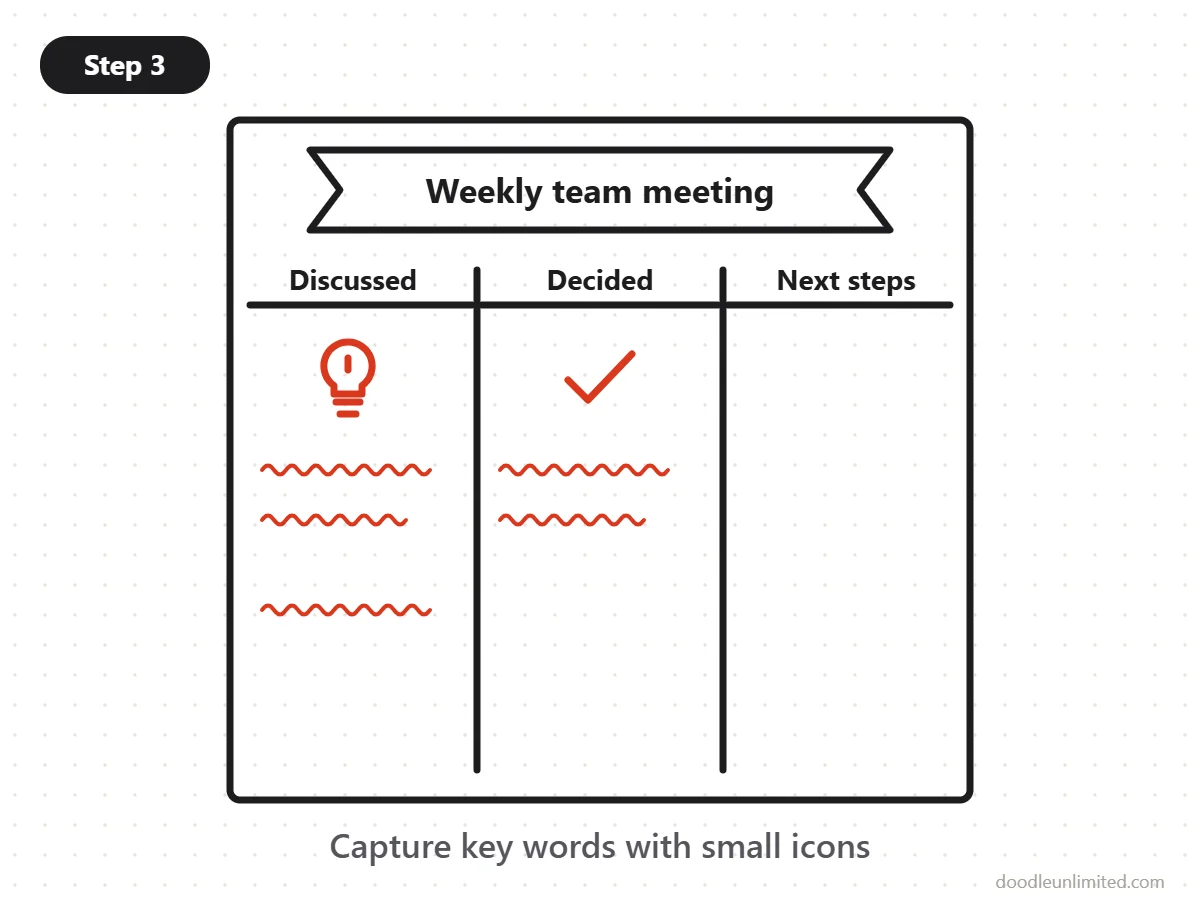
Capture key words with small icons
During the meeting, write short phrases. Add a lightbulb next to ideas and a tick next to decisions.
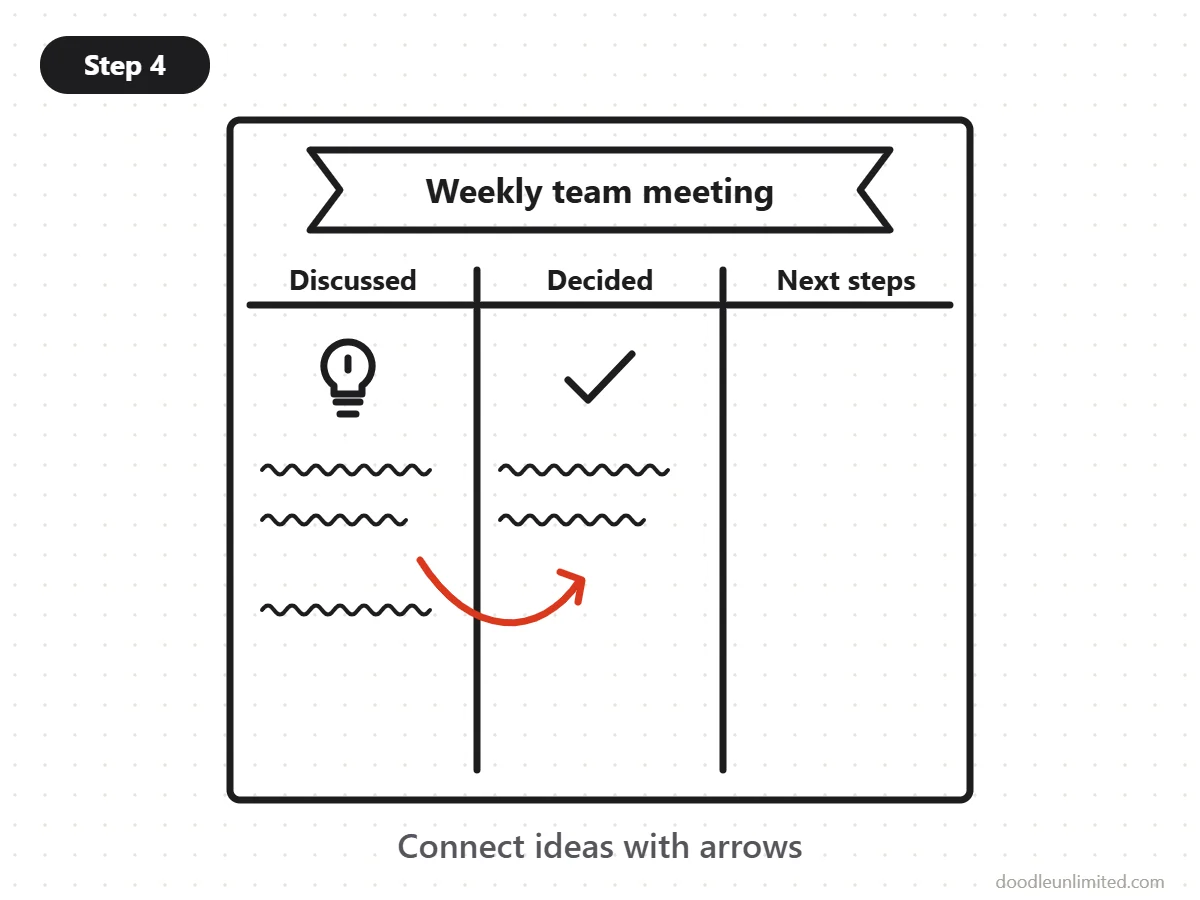
Connect ideas with arrows
When a discussion leads to a decision, draw an arrow between them. It shows why something was decided.
List next steps with owners
In the last column, add a checkbox, the task, the person and the date.
Variations
- Short stand-up: use only two columns: Blockers and Next steps.
- Workshop: turn the middle column into a 2×2 matrix (see visual thinking at work).
- One-to-one: add a small “How are you?” box at the top.
FAQ
Can I use this template digitally?
Yes. Draw it once in a note-taking app, save it as a page template and duplicate it for each meeting.
What if the meeting has no decisions?
Leave the column empty and write “No decision yet” with a question mark icon. That is useful information too.
How do I share the notes?
Photograph the page and send it with the next steps typed out underneath, so people can copy their tasks.
Learn the icons in the sketchnote icon library, or practise layouts with 7 sketchnote layouts.
About this guide: written by Mubashir Abid for Doodle Unlimited. The step illustrations were drawn as simple diagrams for this guide; try each step with your own pen.